Help menu
Make /help show each member the commands they can use, plus your own topics.
When a member runs /help, the bot replies privately with the commands that member can use in your server, then a menu of your own topics like rules, FAQs or staff guides. Only they see the reply, so it never clutters a channel.
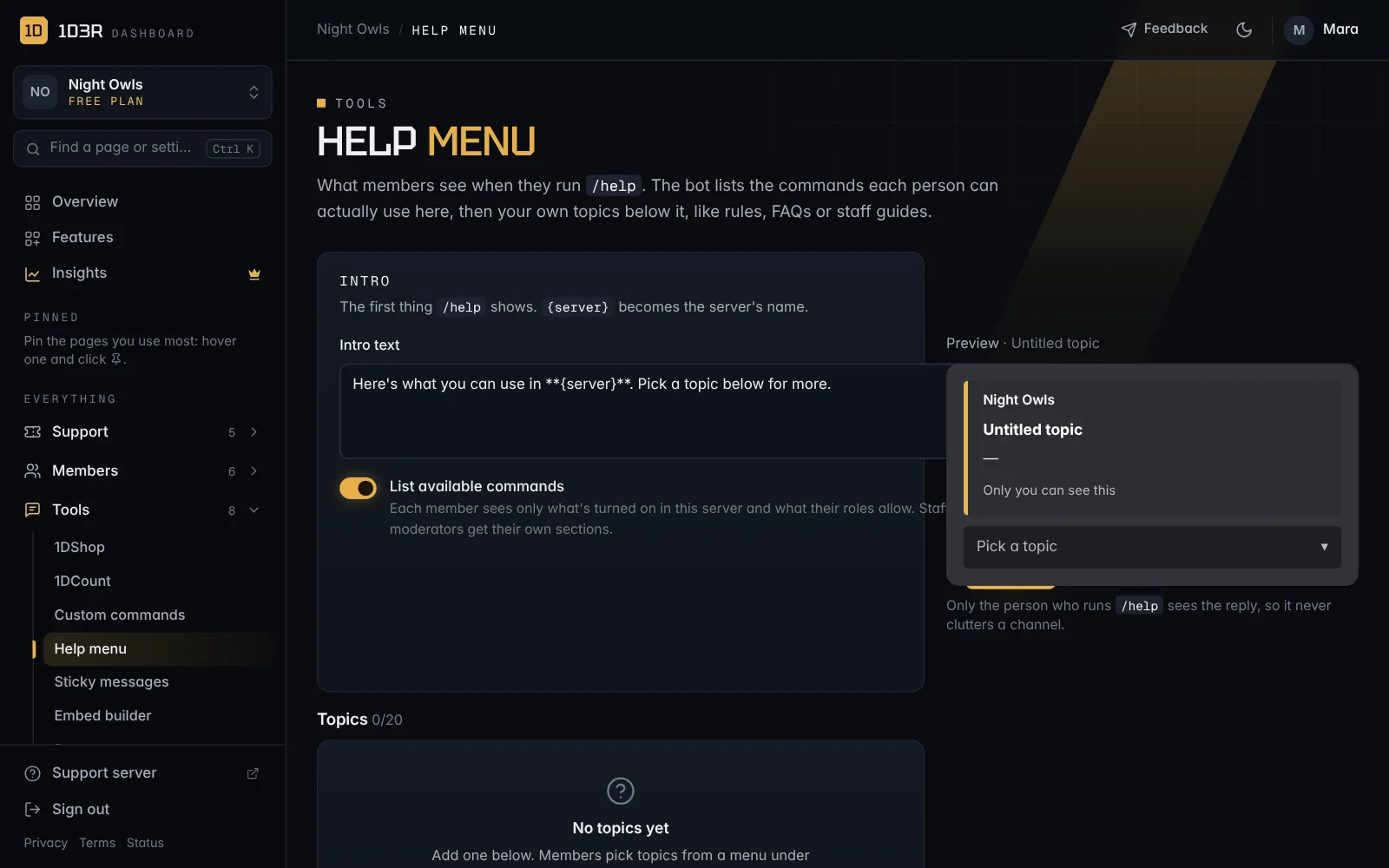
The intro
Open Help menu in the sidebar.
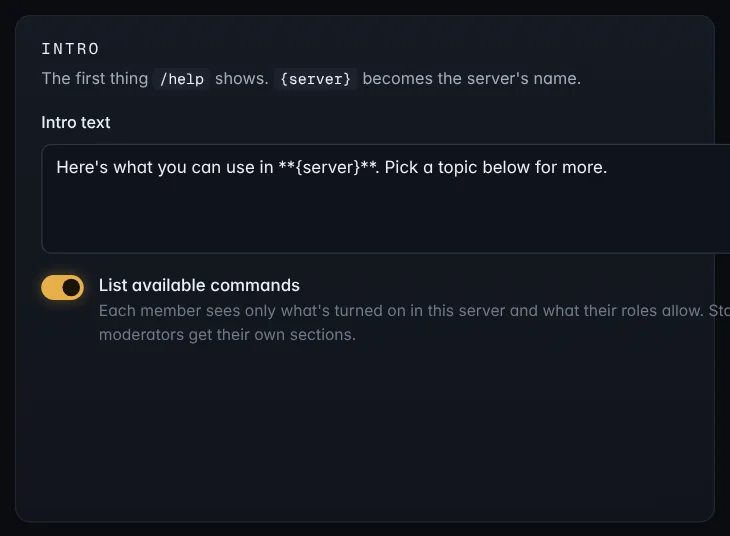
- Intro text: the first thing
/helpshows.{server}becomes your server's name. - List available commands: each member sees only what's turned on in your server and what their roles allow. Staff and moderators get their own sections.
Add topics
Open Add a topic at the bottom of the list. You can have up to 20.
- Emoji, Title and Color
- Menu description: a short line in the topic menu.
- What the topic says: up to 4,000 characters. Discord formatting works, like
**bold**and lists, and Insert a channel… adds a clickable channel link. - Who can see it: Everyone, or staff only. Staff topics only show for people with your staff role, which makes them handy for staff guides.
The preview updates as you type. Save the topic and it's live straight away. No need to post anything.
Tip: Good first topics are your server rules, how to open a ticket, and how to apply or join.