Reaction roles
Panels with buttons or a dropdown that let members pick their own roles.
Reaction roles let members give themselves roles, like games they play, pronouns, regions or ping roles, by pressing a button or picking from a menu.
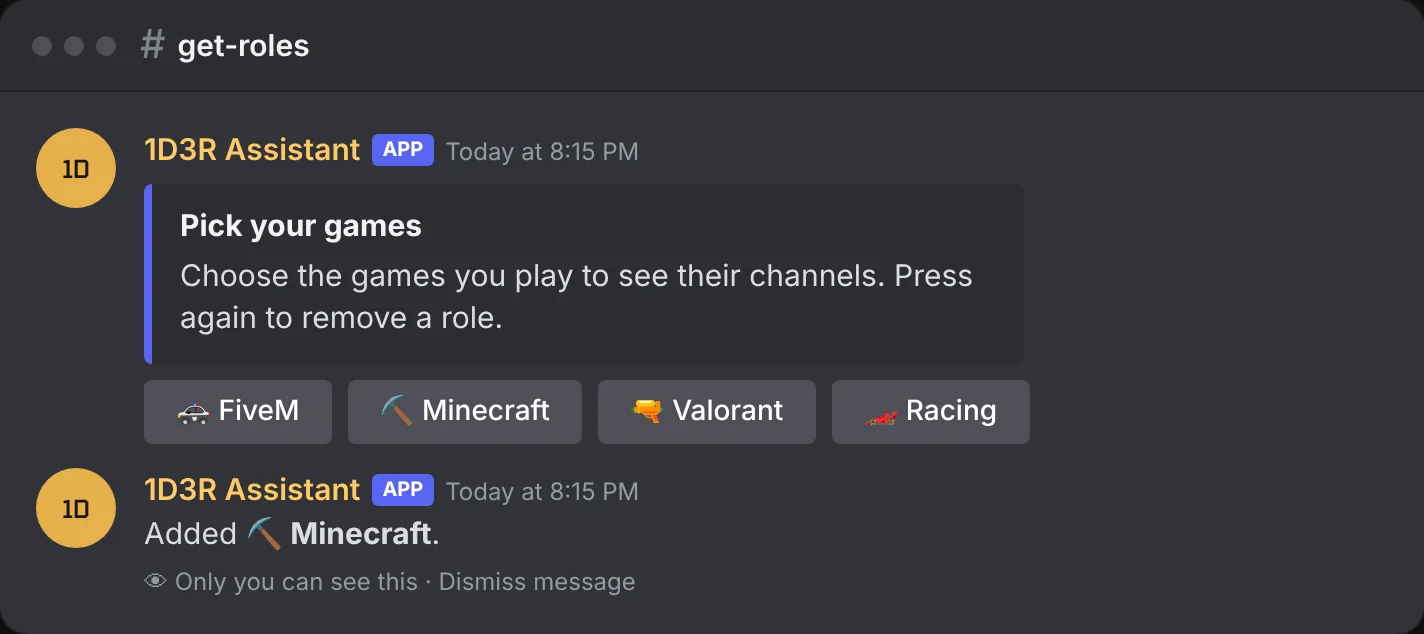
Make a panel
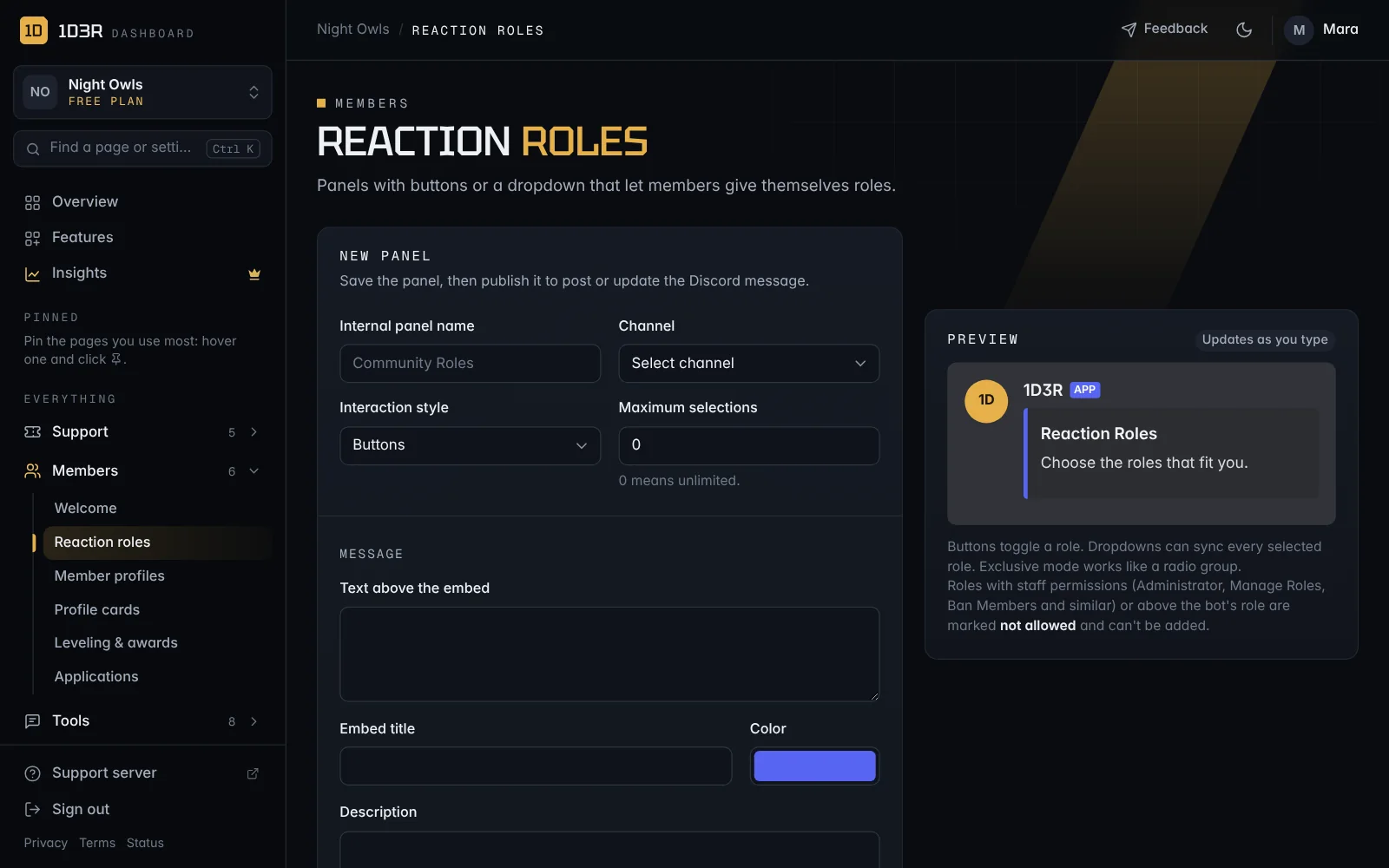
Open Reaction roles and fill in New panel:
- Internal panel name: just for you.
- Channel: where the panel is posted.
- Interaction style: Buttons or a Dropdown menu.
- Maximum selections: how many roles one person can pick from this panel. 0 means no limit.
- Message: text above the embed, plus the embed's title, color, description and images.
Behaviour
- Exclusive mode: members can only hold one role from this panel at a time. Good for colors or regions.
- Dropdown removes unselected roles: keeps a member's roles matching exactly what they picked.
- Panel enabled
Role options: add up to 25. For each, choose the Discord role, a Label, an Emoji, a Button style (gray, blue, green or red) or a Dropdown description.
Save the panel, then publish it to post it in Discord. Publishing again updates the panel you already posted.
Safety
Roles with staff permissions, like Administrator, Manage Roles or Ban Members, can't be added to a panel, and neither can roles above the bot's own role. The dashboard marks them not allowed, so a panel can never hand out power by mistake.