Sticky messages
Keep an important message at the bottom of a busy channel.
A sticky message is re-posted as people chat, so it always sits at the bottom of the channel. Good for rules reminders, "how to get help" notes or event info.
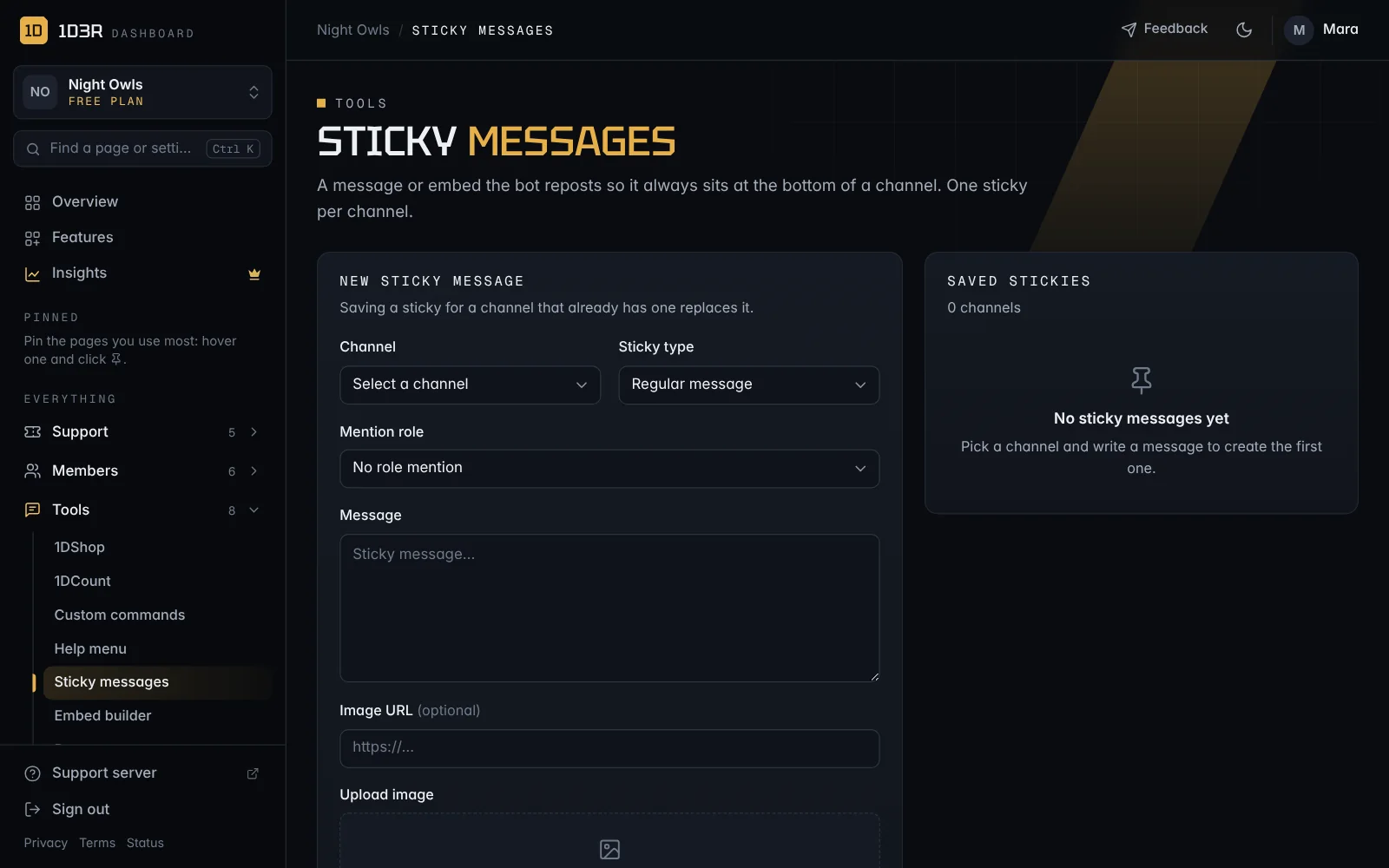
Make one
Open Sticky messages:
- Choose a Channel. Each channel can have one sticky.
- Choose a Sticky type: a plain message or an embed.
- Optional: a role to Mention each time.
- Write the Message, or the embed's title, description, color, footer and image (link or upload, up to 8 MB).
- Delete the previous sticky: removes the old copy before posting a new one, so the channel doesn't fill up with copies. Usually you want this on.
- Leave Enabled on and save.
Disabled stickies are kept but stop re-posting.