No-ping
Stop members pinging your staff directly, and point them to a ticket instead.
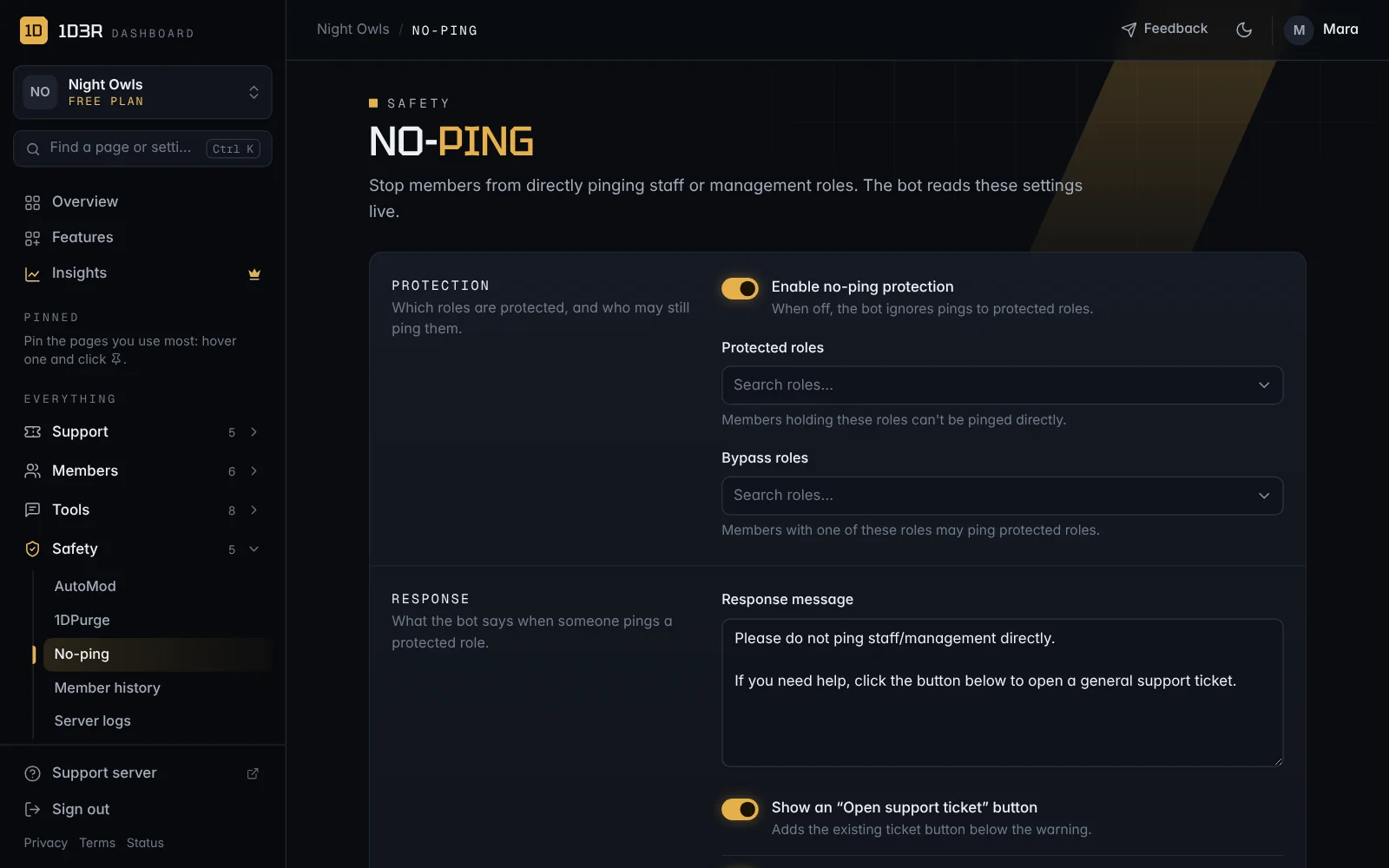
No-ping stops members from pinging staff or management roles directly. Instead, the bot replies with a reminder and a button to open a support ticket.
Set it up
Open No-ping in the sidebar (under Safety).
- Switch on Enable no-ping protection.
- Protected roles: members with these roles can't be pinged directly.
- Bypass roles: members with these roles may still ping them, like your staff.
- Write the Response message members see when they ping a protected role.
- Choose the extras:
- Show an "Open support ticket" button under the warning.
- Allow staff pings inside ticket channels, so staff can call each other into tickets.
- Press Save no-ping settings. Changes work straight away.